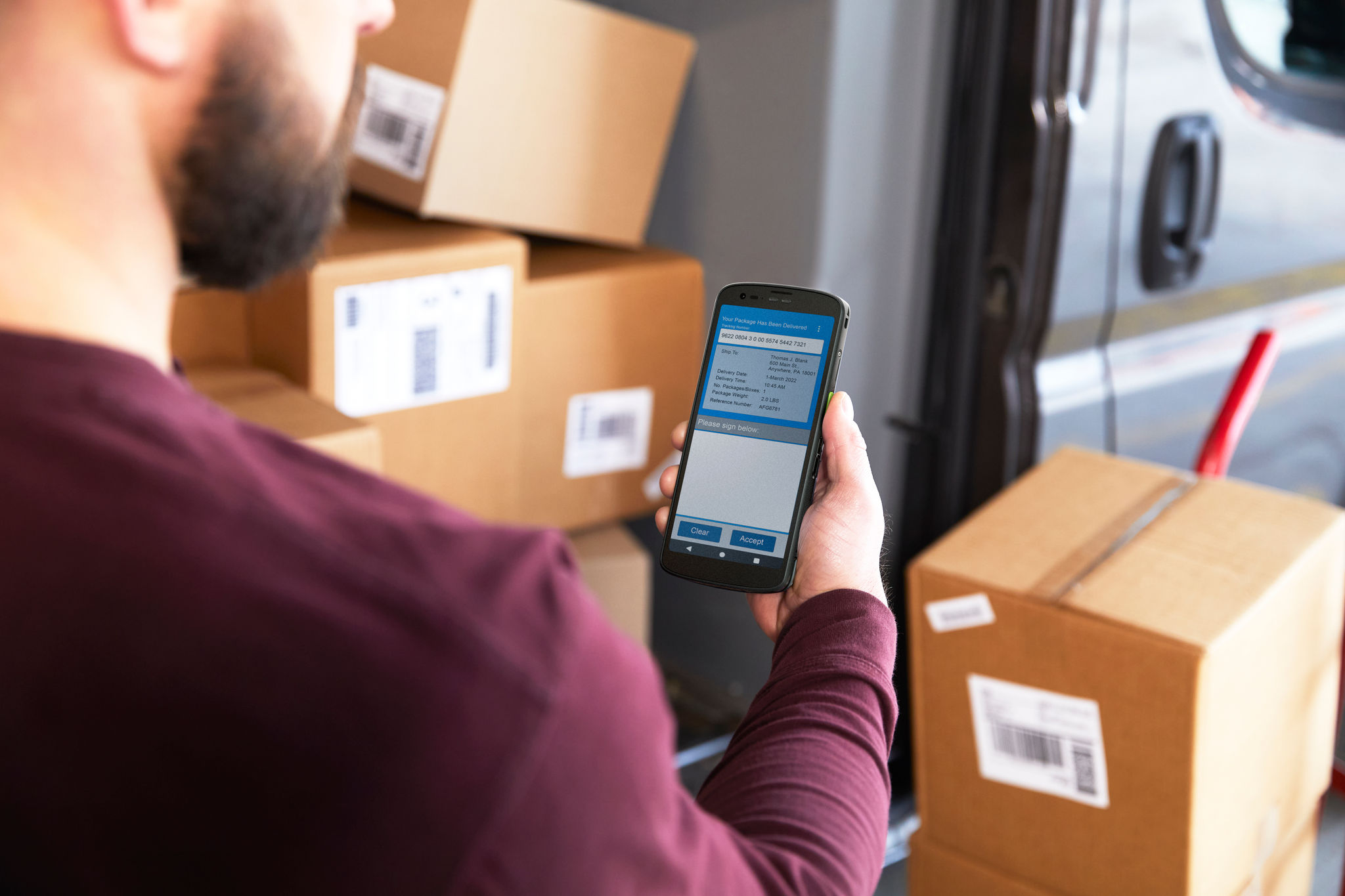
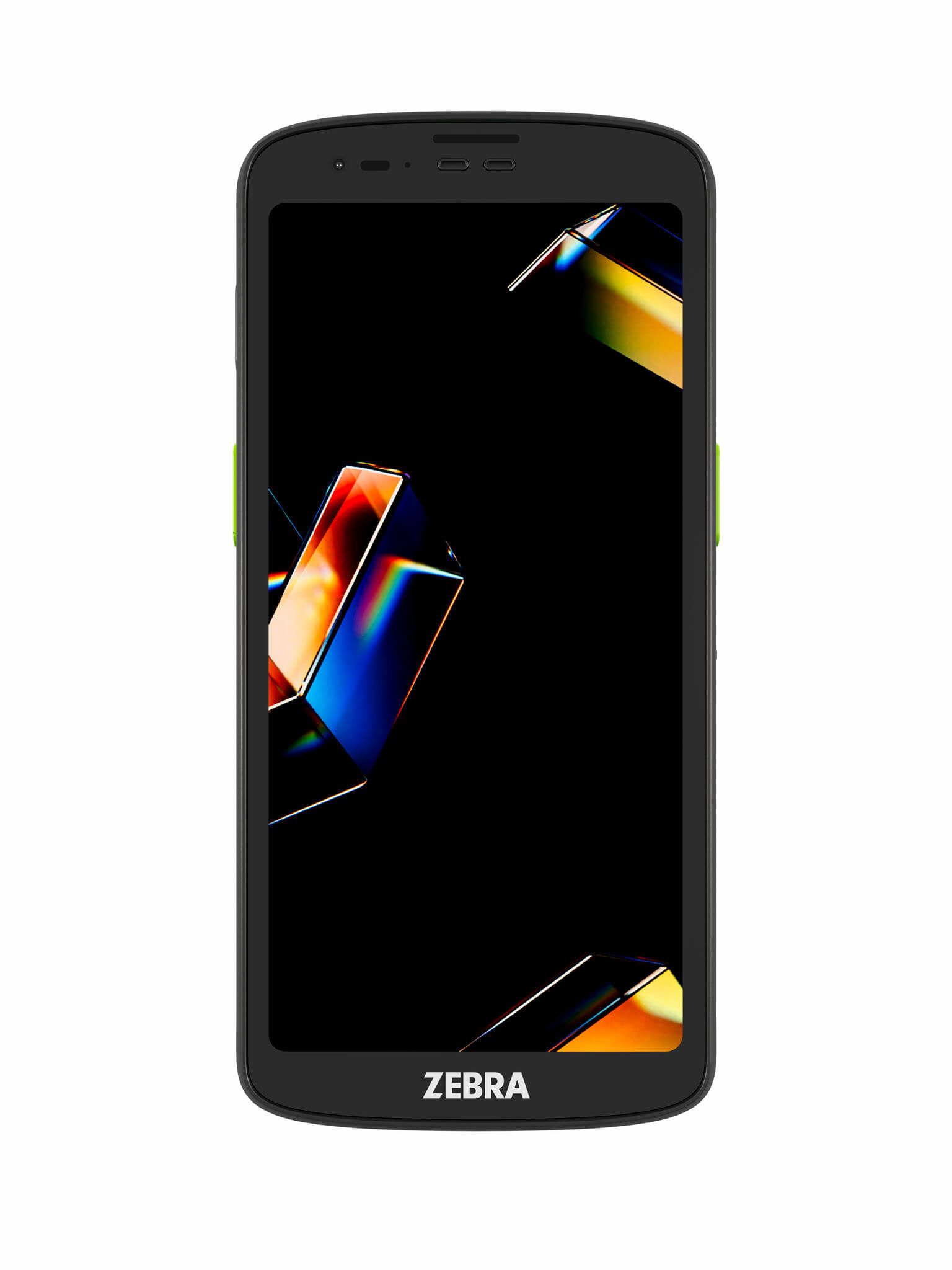
A rugged handheld with Wi-Fi 7, a 6.0 in screen and a built-in 1D/2D scanner, with a 5G model for work away from Wi-Fi. Touchstar supplies, configures and supports it.

Operating system
Android on a Qualcomm Dragonwing Q-6690 processor, up to 2.0 GHz

Wi-Fi
Wi-Fi 7, tri-band 2.4, 5 and 6 GHz, up to 5,764 Mbps

Scanning
SR500 standard range, up to 1 m, or AC670 advanced range colour, up to 12 m

Display
6.0 in Full HD+ touchscreen, 450 nits, Corning Gorilla Glass
One handheld for scanning, calls and data capture. Your teams scan, take payments and talk to each other on the same device.
Built for drops and rain. The TC201 survives 1.53 m drops to concrete from -10 °C to 50 °C, and 1.83 m at room temperature. With the rugged boot it takes 1.83 m drops across that range and 2.13 m at room temperature. It is sealed to IP68 and IP65.
Batteries your team can change. Choose a 3,800 mAh standard or 5,200 mAh extended battery. Both are user-removable, and select models swap batteries without powering down.
Scanning close up and at a distance. Two programmable scan buttons trigger the SR500 standard range imager, up to 1 m, or the AC670 advanced range colour imager, up to 12 m. The 16 MP rear camera can scan too.
Connected in the building and on the road. Wi-Fi 7 keeps devices online across your warehouse or store. The 5G model adds cellular data, VoNR and VoLTE calls, and dual-band GPS for drivers and field engineers.
Payments and talk on the same device. NFC supports contactless payment and Google Smart Tap. A dedicated push-to-talk button works with USB-C and Bluetooth headsets.
Security built in. Android StrongBox, FIPS 140-3 validation and Secure Boot protect your data.
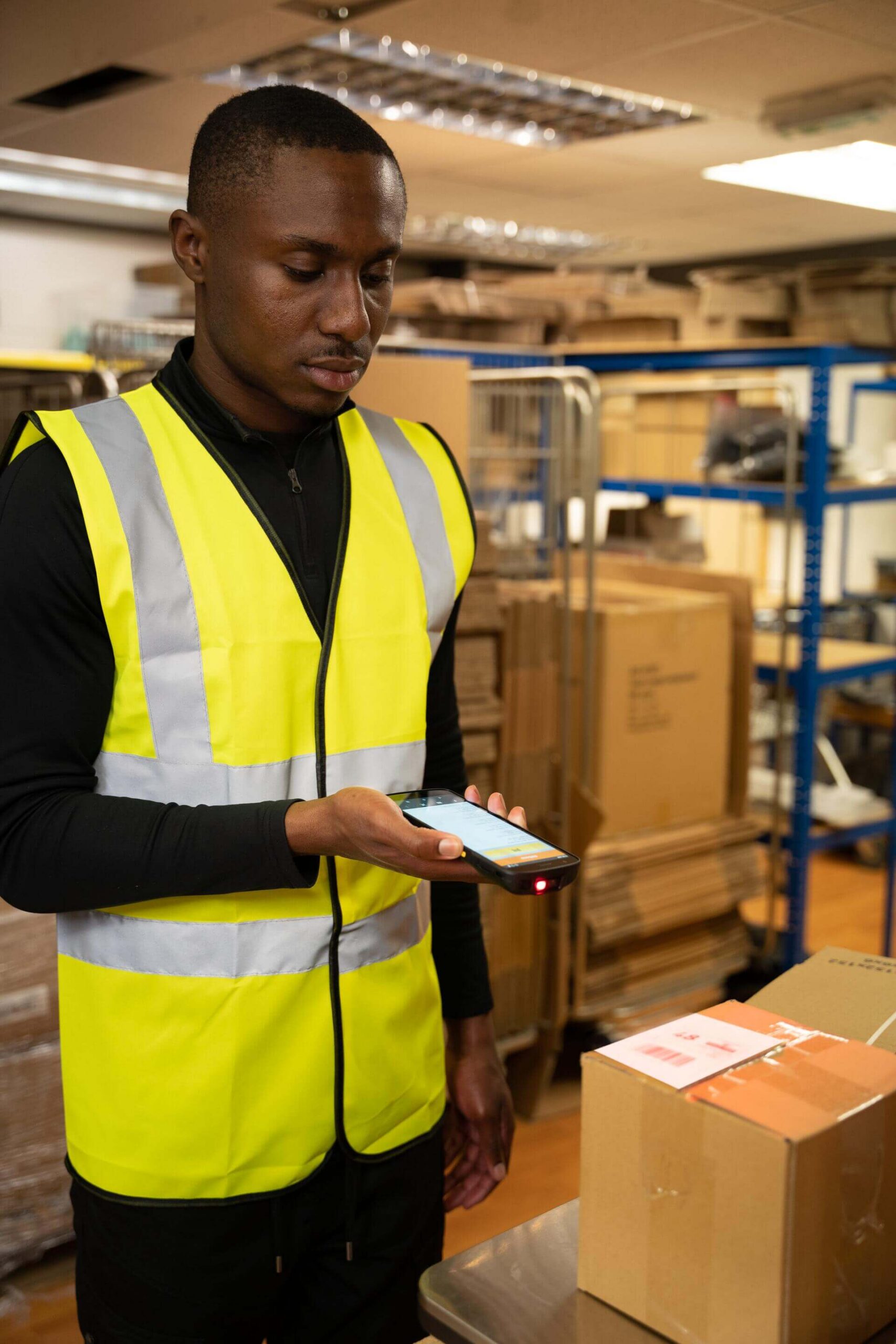
TC201 Wi-Fi
Best for: Teams working inside your warehouse, store or venue
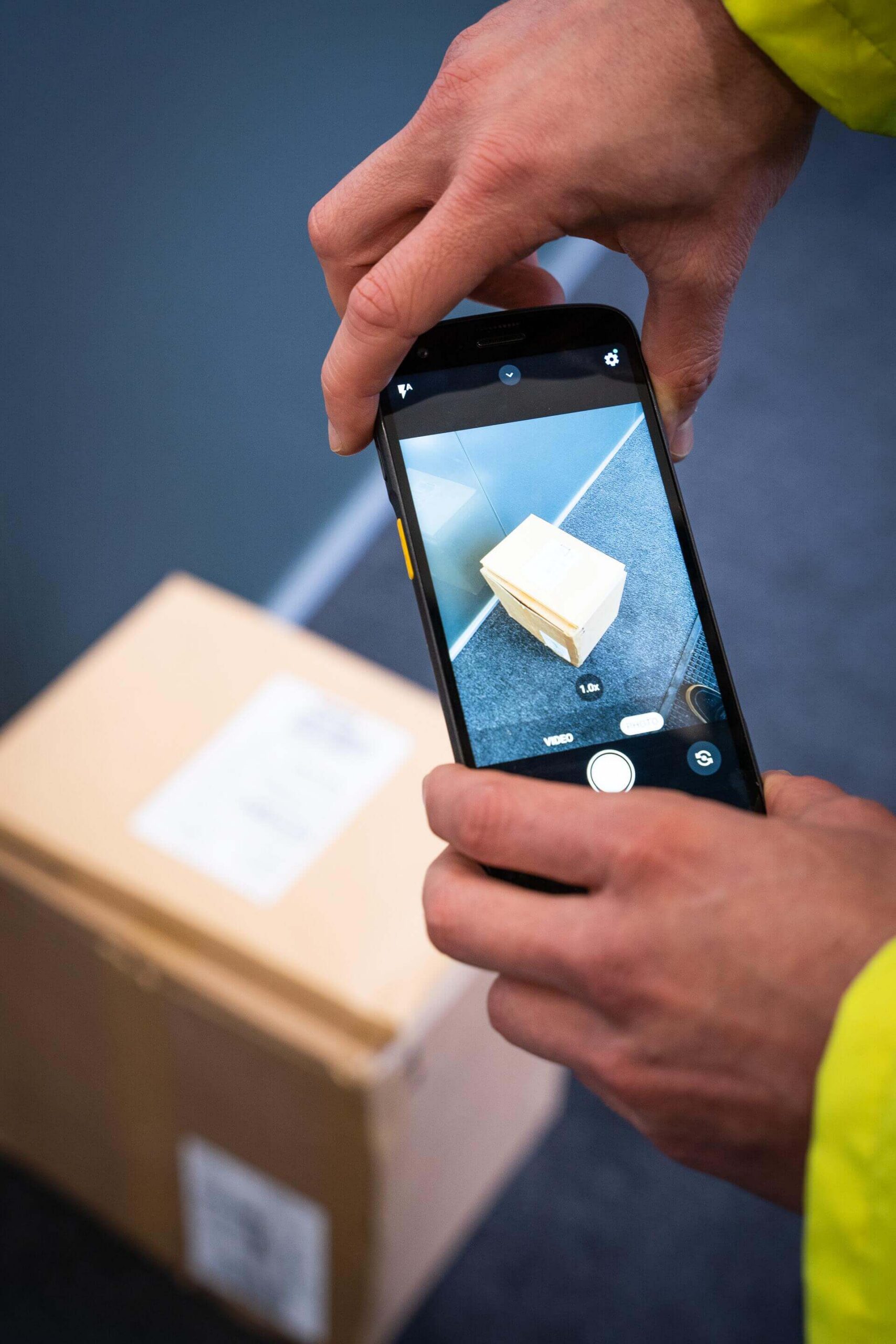
TC201 5G
Best for: Teams working off your site
Charging, carrying and scanning accessories fit the TC201 to the job. A cradle keeps devices charged between shifts. A rugged boot, spare battery charger, screen protector, hand strap, wrist mount and headsets are also available.

Single-slot cradle
Charges one TC201, with an Ethernet version for wired data

Multi-slot cradle
Charges up to five or ten devices at once, with Ethernet options
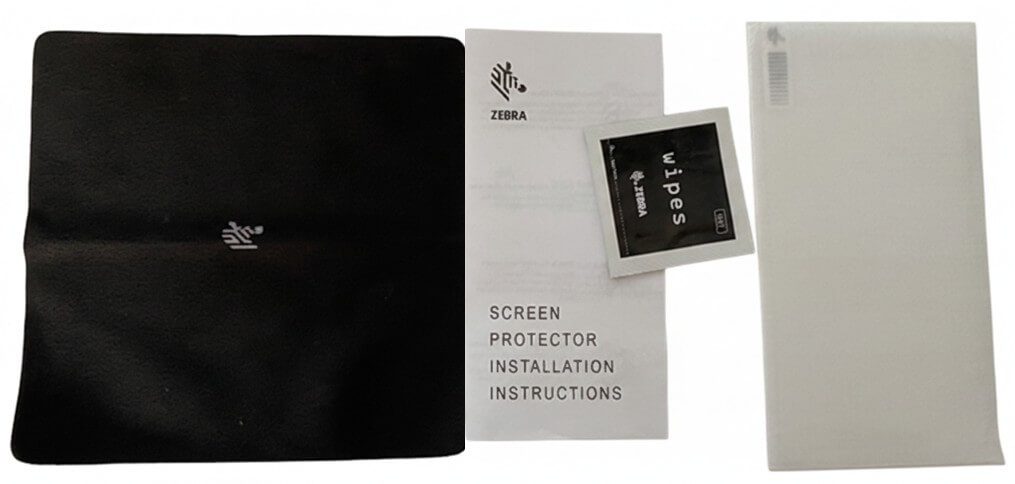
Electronic trigger handle
Turns the TC201 into a pistol grip for scan-heavy work

Demo
See the TC201 running your own applications before you commit.

Configure
UK-based support for your devices once they are in use.

Deliver
Devices arrive ready to use, with the cradles and accessories your teams need.

Support
UK-based support, with devices updated and managed remotely through SOTI.
Touchstar enrols, updates and locks down your devices remotely with SOTI, as a SOTI Altitude Partner. Mobile device management is available as its own service, alongside or separate from your support.
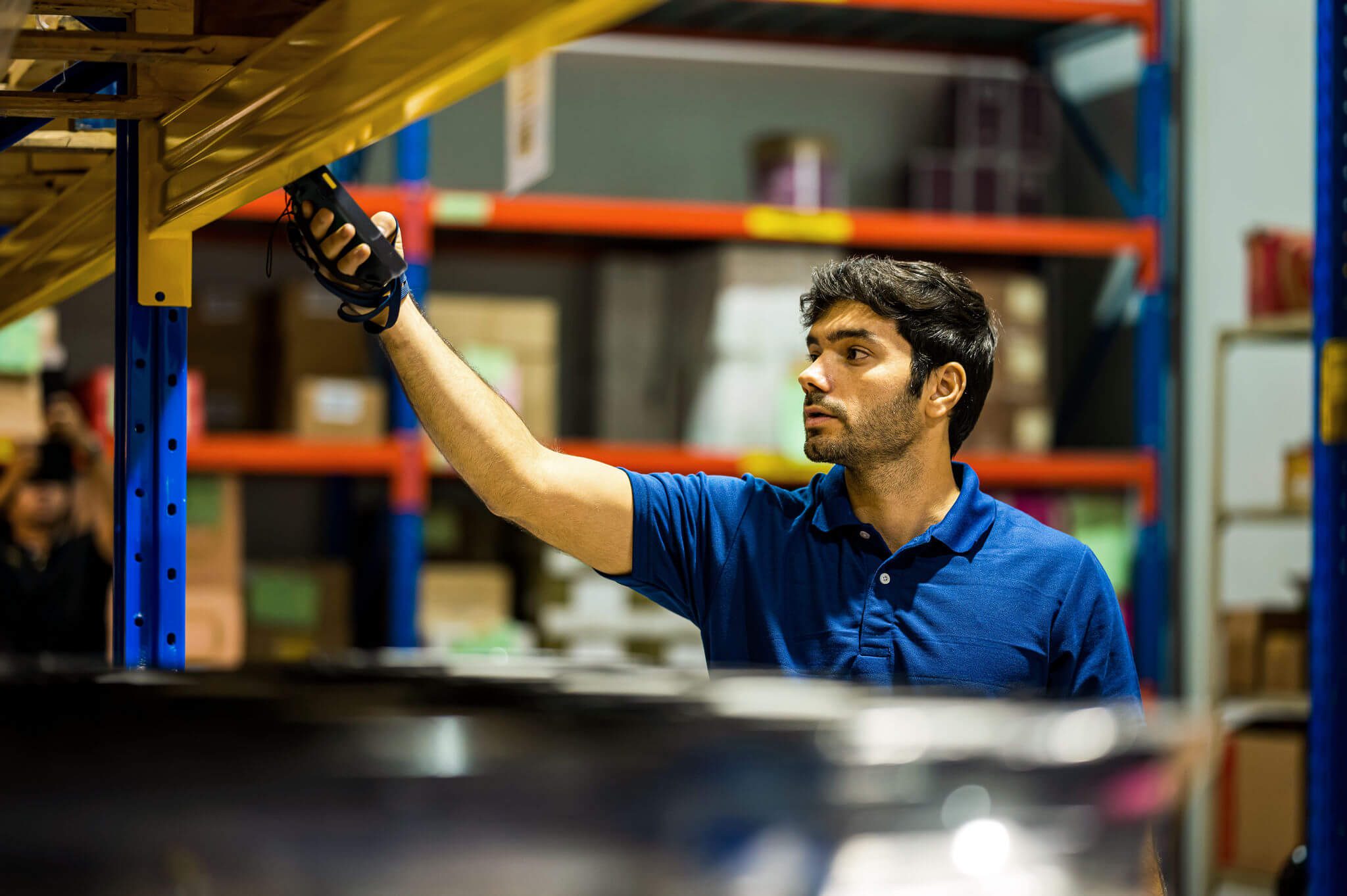
Request a product demo. We’ll show the TC201 with your apps and talk through the model, scanner and accessories that suit your teams.

Rugged Mobile Computers
Optimised Rugged Mobile Devices Improve Productivity
Combining the deployment of rugged mobile computers with a strong support and service model ca...

Rugged Mobile Computers
TouchStar & PWS: 20-Year Partnership Powers Warehouse Efficiency with Rugged Mobile Tech
Discover how TouchStar’s rugged mobile computing solutions helped PWS streamline warehouse ope...

Rugged Mobile Computers
Peak Season Survival Guide: How to Manage Rugged Devices Under Pressure
Download our free guide to preparing rugged devices for peak season. Learn how to avoid last-m...
Rugged Mobile Computers
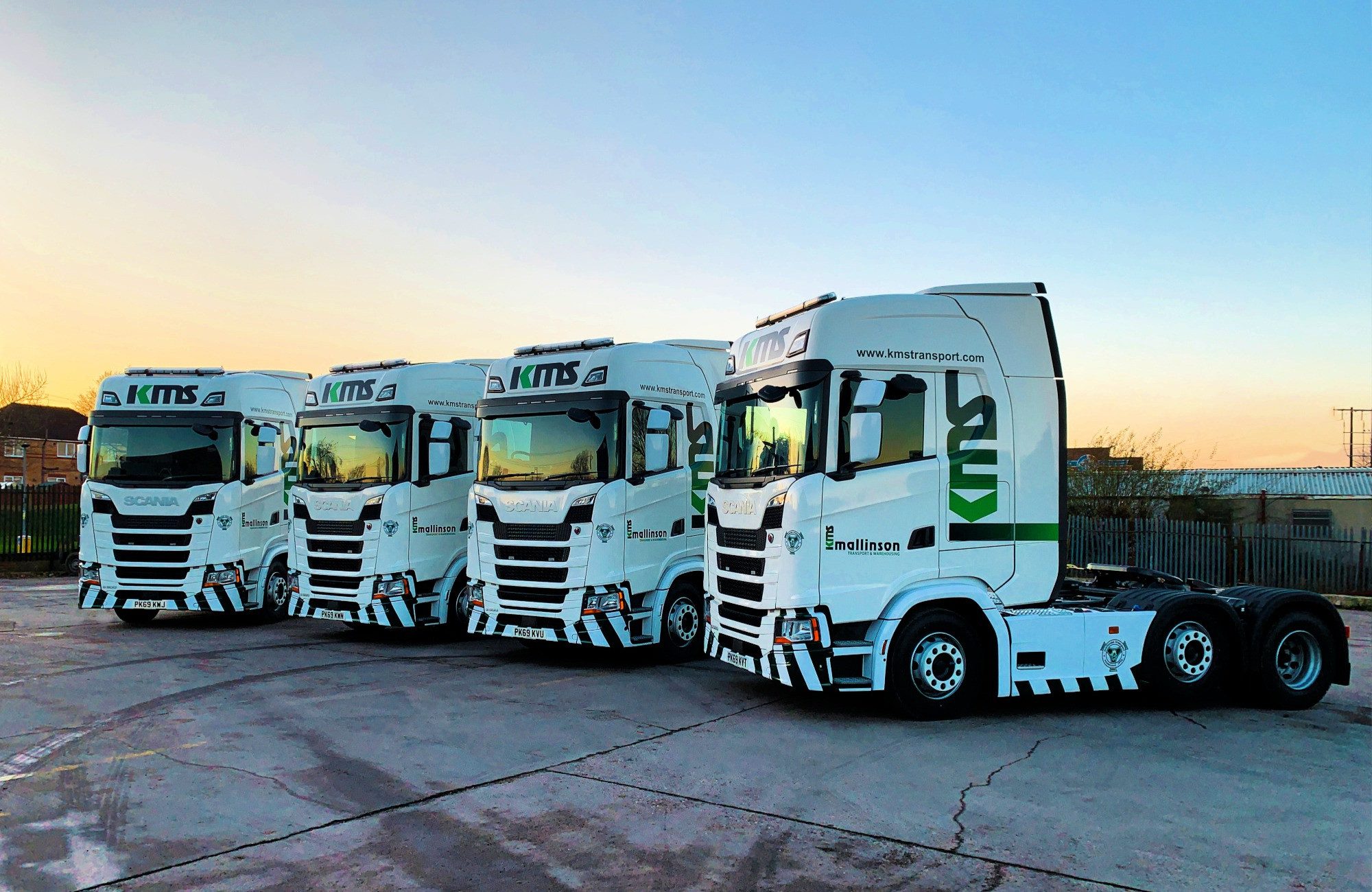
KMS Select TouchStar for Rugged PDA Solution
Seeking a more robust PDA solution that would support fulfilment operations, KMS turned to mob...
